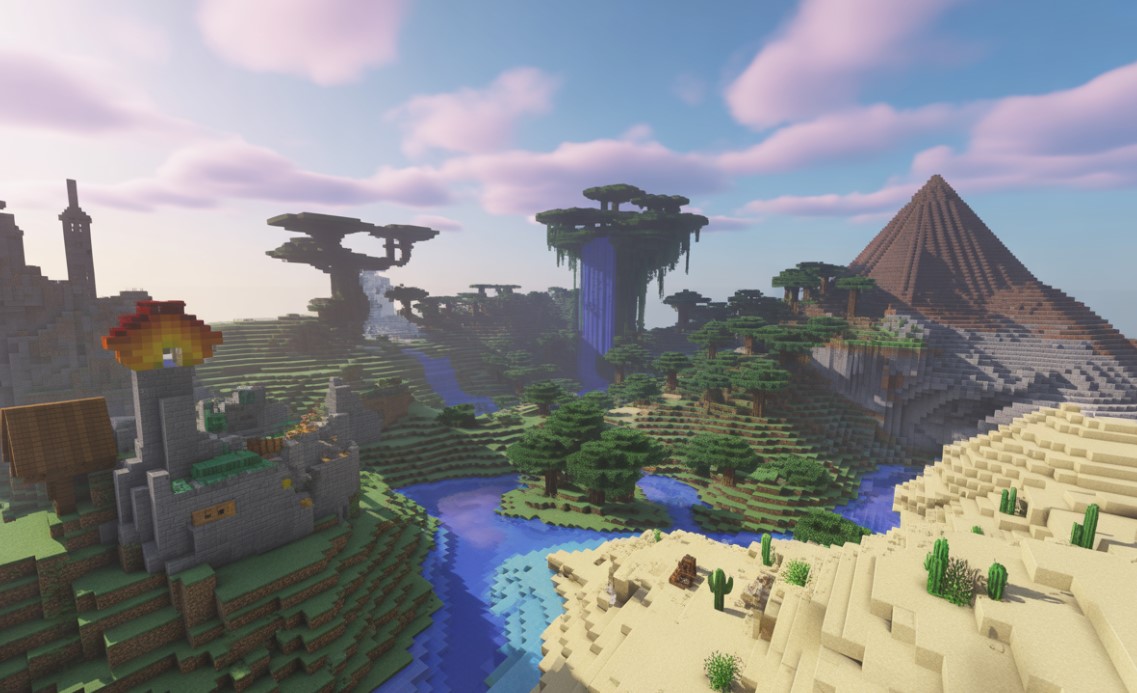
Why Minecraft Realms Feels Like Your First Big Break as a Dev
Hey there, fellow creator-ever stare at a blank canvas in your engine of choice and think, “Man, where do I even start with this multiplayer dream?” I get it. I’m part of the ChiefGames crew, a ragtag bunch of devs, pixel-pushers, and late-night gamers who’ve shipped a few titles but still geek out over blocky adventures. And let me tell you, if you’re just dipping your toes into game development, Minecraft Realms isn’t just a service; it’s like that quirky mentor who hands you the keys to a sandbox bigger than your wildest prototypes.
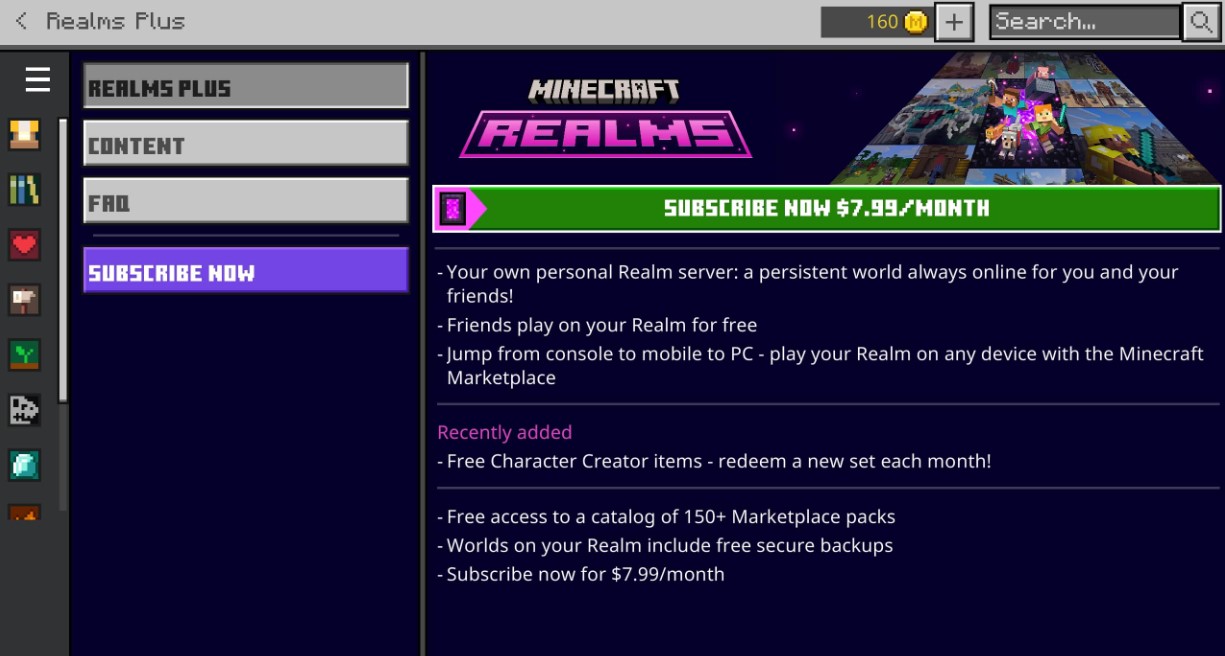
Picture this: You’re sketching out your next indie hit, maybe a cozy survival sim or a co-op puzzle fest. Suddenly, you’re knee-deep in worries about netcode, player limits, or how to keep griefers from turning your masterpiece into a crater. That’s where Minecraft Realms swoops in. Launched back in 2013 by Mojang (now under Microsoft’s wing), it’s their official subscription setup for private servers. For about $8 a month on Java Edition or similar for Bedrock, you get a hassle-free space to host up to 10 players – or 2 on the budget tier. No port-forwarding nightmares, no endless config tweaks. Just pure, uninterrupted creation.
But here’s the real magic for us aspiring devs: It forces you to think like a pro without the full-stack terror. You upload worlds, invite buds, and watch how folks interact with your builds. That awkward moment when a friend accidentally blows up your epic castle? It’s a crash course in emergent gameplay. And honestly, in 2025, with updates like the latency drops in Bedrock’s 1.21.80 patch, it’s smoother than ever. We’re talking 20% better ping in regions worldwide – perfect for testing that cross-continental co-op flow you’ve been mocking up in Unity.
As artists on the ChiefGames team, we’ve used Realms servers to prototype textures and layouts. One of our illustrators, Jax, built a floating island hub there last year; it sparked ideas for our upcoming procedural gen tool. It’s not flashy like Unreal’s editor, but that simplicity? It strips away the noise, letting raw ideas breathe. You know what? Sometimes the best lessons come from the basics-like how Realms handles world backups automatically. Ever lost a save in your own project? Oof. This teaches you why version control isn’t optional; it’s your lifeline.
We’ll dig into setups, multiplayer pitfalls, and even those sneaky 2025 tweaks later. For now, grab a coffee (or a potion of swiftness, if you’re in-game), and let’s roll. Because if Minecraft Realms can turn a solo tinkerer into a community wizard, imagine what it’ll do for your dev journey.
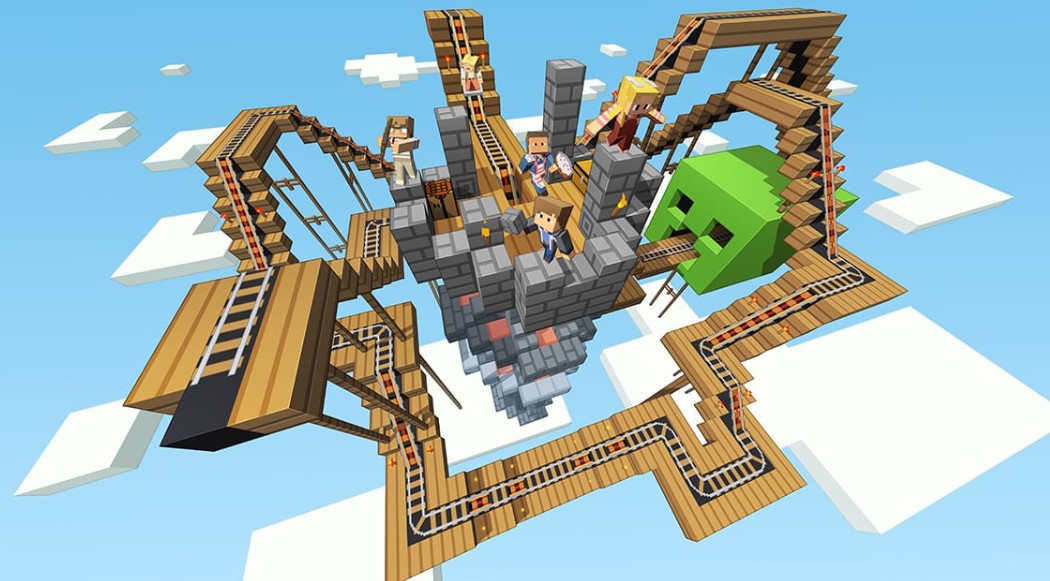
Getting Your Hands Dirty: Setting Up Shop in Minecraft Realms
Alright, so you’ve subscribed-boom, you’re in. But setting up your first Minecraft Realms world? It’s like prepping your dev environment for the first time: exciting, a tad fiddly, and full of “aha” moments that stick. From the ChiefGames lens, we see this as your entry-level project management sim. Nail it here, and you’re halfway to shipping your own title.
Start simple. Fire up Minecraft, hit the Realms tab from the main menu. Pick Java or Bedrock-Java’s got that moddy freedom, Bedrock’s cross-platform charm. Upload a world seed or start fresh; Realms caps at 4GB storage, enough for sprawling biomes without choking your rig. Invite players via share links or Xbox Live codes. Easy peasy. But here’s where it gets dev-y: Tweak those settings. Enable adventure mode to lock down builds, or crank command blocks for custom events. It’s procedural scripting 101-think redstone contraptions as your no-code prototypes.
We ran a test Realm last spring for our team’s artist bootcamp. One newbie dev, Mia, coded a basic economy with hoppers and signs. Took her two evenings, but by week three, players were trading emeralds like pros. Lesson? Iteration thrives in shared spaces. Your tweaks aren’t isolated; feedback loops in real-time. And if lag creeps in-say, with 8 folks mining away-dial back entity counts. That’s your intro to optimization, folks. No fancy profilers needed; just watch the chat explode with “Why’s my pickaxe lagging?”
Digression time: Remember when Notch first iterated on Minecraft’s multiplayer? Early alphas were chaos-ghost blocks, phantom punches. Realms evolved from that, baking in stability so you don’t have to. As a beginner, lean on it. Export worlds to single-player for solo polish, then re-upload. It’s a version bump without Git drama. Oh, and pro tip: Use the Realm’s news feed for patch notes. Keeps your experiments current, like syncing with Unity’s LTS releases.
Crafting Your First Multiplayer Mechanics in Minecraft Realms
Ever wonder why some games hook players for hours while others fizzle? It’s mechanics, baby-the invisible glue. In Minecraft Realms, you’re the glue-maker. Start with basics: Spawn a village, script villager trades via commands. Suddenly, you’ve got an economy sim. Tie it to quests-use signs for lore, dispensers for rewards. It’s like building a Twine narrative but in 3D.
For artists, this is gold. Layer resource packs for custom skins; Realms supports ’em natively. Our ChiefGames texture whiz, Leo, swapped default wool for nebula patterns once. Players raved-boosted immersion without a line of code. But balance it: Too many packs, and load times drag. That’s your crash course in asset optimization. Rhetorical nudge: What if your next game’s UI felt as tactile as a Realms build?
We could ramble on about builds all day, but let’s table some inspo. Here’s a quick comparison of starter mechanics you can prototype:
| Mechanic Type | Realms Tool | Dev Lesson | Example Build Time |
|---|---|---|---|
| Economy Hub | Hoppers & Signs | Resource Flow | 1-2 hours |
| Quest Line | Command Blocks | Narrative Branching | 3-4 hours |
| PvP Arena | Adventure Mode | Balance Testing | 2 hours |
| Creative Freebuild | World Edit (via mods) | Collaboration Flow | Ongoing |
See? Bite-sized wins. And don’t sweat failures-Realms snapshots let you rollback like a time machine. One of our devs once griefed his own test (long story, bad coffee). Poof, undone.
The Heart of It: Community and Collaboration in Minecraft Realms
Multiplayer isn’t just code; it’s people. Messy, brilliant people. At ChiefGames, we’ve hosted Realms for team jams – artists sketching while devs wire logic. It’s chaotic harmony, the kind that births breakthroughs. Why does it matter for beginners? Because solo dev is lonely, Realms turns it social, teaching you to design for humans, not spreadsheets.
Think about it. You invite three friends, one a noob, another a speedrunner. Their playstyles clash-builder vs. explorer. Boom: You’ve got data on pacing. Adjust spawn points, add teleporters. It’s live user testing, free and fierce. We’ve seen it spark ideas; last year’s Realm led to a co-op mode in our pipeline, all from watching a player hoard dirt like it was crypto.
But there’s a catch – and yeah, we love those gentle contradictions. Realms limits slots (10 max), so scale smart. Focus on tight-knit vibes over massive lobbies. That’s indie wisdom: Depth over breadth. Host events-build contests, mob hunts. Use the chat for polls: “Nether next or ocean dive?” Engagement skyrockets, and you learn moderation. Kick toxic trolls via the dashboard; it’s your first taste of community guidelines.
Artists, listen up. Realms is your gallery wall. Share schematics – export builds as .schem files for others to import. Our team swaps ’em like trading cards. One artist turned a vanilla village into a cyberpunk sprawl, inspired a shader pack for our engine experiments. Emotional hint: There’s something raw about seeing your creation lived in, warped by others’ hands. Makes you question: Am I designing spaces, or stories?
To keep it rolling, here’s a bullet rundown of collaboration hacks we’ve sworn by:
- Rotate Roles Weekly: One week you’re the host, next you’re the player. Builds empathy-suddenly, that “simple” mechanic feels grindy.
- Themed Jams: Pick a prompt, like “post-apoc farm.” Limits scope, amps creativity. Our last one yielded a windmill boss fight.
- Feedback Rounds: End sessions with voice chat debriefs. “What broke? What popped?” Raw gold for iteration logs.
- Cross-Edition Swaps: Java modders teach Bedrock builders about add-ons. Bridges gaps, like mixing oils in a palette.
And for the data nerds, track plays via export logs. Spot patterns-who lingers in your hub? Why? It’s analytics without the bloat.
Modding Magic: Extending Minecraft Realms for Dev Experiments
Mods in the vanilla Minecraft game, ah. That word alone sends shivers of excitement through any tinkerer. In Minecraft Realms, they’re your mad science lab – especially on Java, where Fabric or Forge loaders plug right in. Bedrock’s catching up with marketplace add-ons, but Java’s the wild west. As beginners, start small: A custom crop mod for farming sims. Upload to Realms, watch yields affect player bonds. Teaches dependency injection? Nah, but it nails emergent systems.
From our ChiefGames war stories, modding Realms flipped a junior dev’s portfolio. He built a dynamic weather system – rain-spawning quests. Landed him freelance gigs. The trick? Compatibility. Test packs solo first; Realms enforces vanilla-ish stability. But push boundaries: Integrate APIs for external scores. It’s your gateway to full-stack thinking.
What about art mods? Resource packs galore-swap sounds, models. One of our illustrators modified villager robes to add Renaissance flair. Players role-played merchants; social layers deepened. Analogy time: Like layering Photoshop comps, but live. Ever had a client tweak your concept mid-pitch? Realms preps you for that collaborative grind.
Let’s list some mod starters for noobs:
- CropTweaker: For balanced farming, teaches economy tuning.
- WorldEdit: Quick terrain sculpting; your voxel editor warmup.
- Dynmap: Web maps of your Realm; visualizes player paths like heatmaps.
- LuckPerms: Role-based access; intro to user auth.
Pair ’em, and you’ve got a mini-MMO. But remember, over-modding tanks’ performance. Our rule: If FPS dips below 40, prune. Harsh love, but it builds resilience.
2025 Vibes: Fresh Updates Breathing New Life into Minecraft Realms
Fast-forward to now – November 2025, and Minecraft Realms is humming with Mojang’s latest. That March Live event? Dropped celebrity cameos and mind-benders from Element Animation, but the real juice was backend buffs. Improved regional support in May slashed latency by over 20% for Bedrock realms. Hosting a transatlantic jam? No more rubber-banding ghosts.
Then October’s “Interview with a Mob” update-quirky Java tweak letting you chat with creepers via commands. Sounds gimmicky? Nah, it’s narrative dev disguised as fun. Use it for lore drops; players uncover backstories mid-raid. Our team prototyped a similar system for NPC dialogues-stole the idea wholesale.
Bundles and vaults from the Tricky Trials update? Game-changers for inventory woes. Craft ’em to stack oddballs; teaches UI affordances. And those bogged skeletons in trial chambers? Sneaky archers that force cover mechanics. Prototype a shooter level around them – lessons in AI pathing without writing a bot.
Seasonal tie-in: With holidays looming, Realms shines for festive builds. Snowy realms with gift vaults? Easy engagement spike. But here’s the burst: Updates remind us dev’s a marathon. Minecraft’s iterated for 15 years; your first game’s no different. Embrace patches as playtests.
For a snapshot, check this table of 2025 highlights:
| Update Month | Key Feature | Dev Takeaway | Impact on Realms |
|---|---|---|---|
| March | Element Anim Shorts | Storytelling Hooks | Map Library Refresh |
| May | Latency Drop (20%) | Netcode Basics | Smoother Multiplay |
| October | Mob Interviews | Dynamic Dialogues | Command Block Fun |
| Ongoing | Bundle Inventory | UX Efficiency | Larger World Uploads |
Bullet out implementation tips:
- Latency Test: Host a ping-party; note drops pre/post-update.
- Mob Lore Builds: Script interviews into quests-branching narratives FTW.
- Inventory Hacks: Mod bundles for custom loot; balance rarity.
- Holiday Tie-Ins: Seasonal seeds; track engagement spikes.
These aren’t fluff; they’re your toolkit for resilient design.
From Blocks to Blueprints: What Pros Say About Minecraft Realms
We’ve chatted with indie vets-folks who’ve gone from Realms tinkerers to Steam hits. One, a solo dev behind a voxel roguelike, credits Realms for multiplayer muscle. “Hosted weekly tests,” he said. “Learned more from player rants than any tutorial.” Echoes our ChiefGames ethos: Play, break, fix.
Another artist-turned-studio lead? “Realms taught collaboration without ego. Builds evolve; so do teams.” Spot on. In our shop, we rotate Realm duties-keeps egos in check, ideas flowing.
Contradiction resolved: Sure, Realms ain’t a full engine. Limits galore-no infinite slots, mod quirks. But that’s the beauty. Forces focus, like jamming in a garage band. Scale up later; start tight. Vocabulary curveball: Ever “grief” a build? It’s dev slang for sabotage testing. Realms admins, it’s out your ethics primer.
FAQ
How much does Minecraft Realms cost in 2025?
Around $7.99/month for 10-player Java realms, $3.99 for 2-player. Bedrock mirrors it-check in-game for regional pricing.
Can I use mods on Minecraft Realms?
Yep, Java supports Fabric/Forge packs. Bedrock leans on add-ons from the marketplace. Keep ’em light to avoid crashes.
What’s the max world size for uploads?
4GB limit, but updates like bundles help manage it. Compress with tools like MCA Selector for bigger worlds.
How do I invite friends to my Realm?
Share a code or link from the dashboard. Works cross-platform for Bedrock; Java needs same-edition pals.
Does Minecraft Realms work offline?
Nah, it’s always-online hosting. But download worlds for solo tweaks anytime.
Are there free trials for new users?
30-day freebie on purchase-plenty of time to test dev ideas without commitment.
Can artists share custom textures easily?
Totally. Upload resource packs via the config menu; players opt-in. Great for collaborative art jams.
Conclusion
So, you’ve got the setup, the mods, the community pulse. Minecraft Realms isn’t a crutch; it’s a catapult. For us at ChiefGames, it’s woven into our workflow-prototyping, team-building, and even burnout breaks. As beginners, grab it. Build that weird contraption, invite the skeptics, iterate till it sings. One last nudge: What’s your first Realm seed? Share in comments; we’ll peek. Because dev life’s better shared.
Please support our team by sharing this post online across social media and adding this content to bookmarks. You can also write to the ChiefGames team directly if you seek creative or commercial collaboration.